✦ AI-Powered • Adobe Premiere Pro Plugin

Captions that write
themselves.

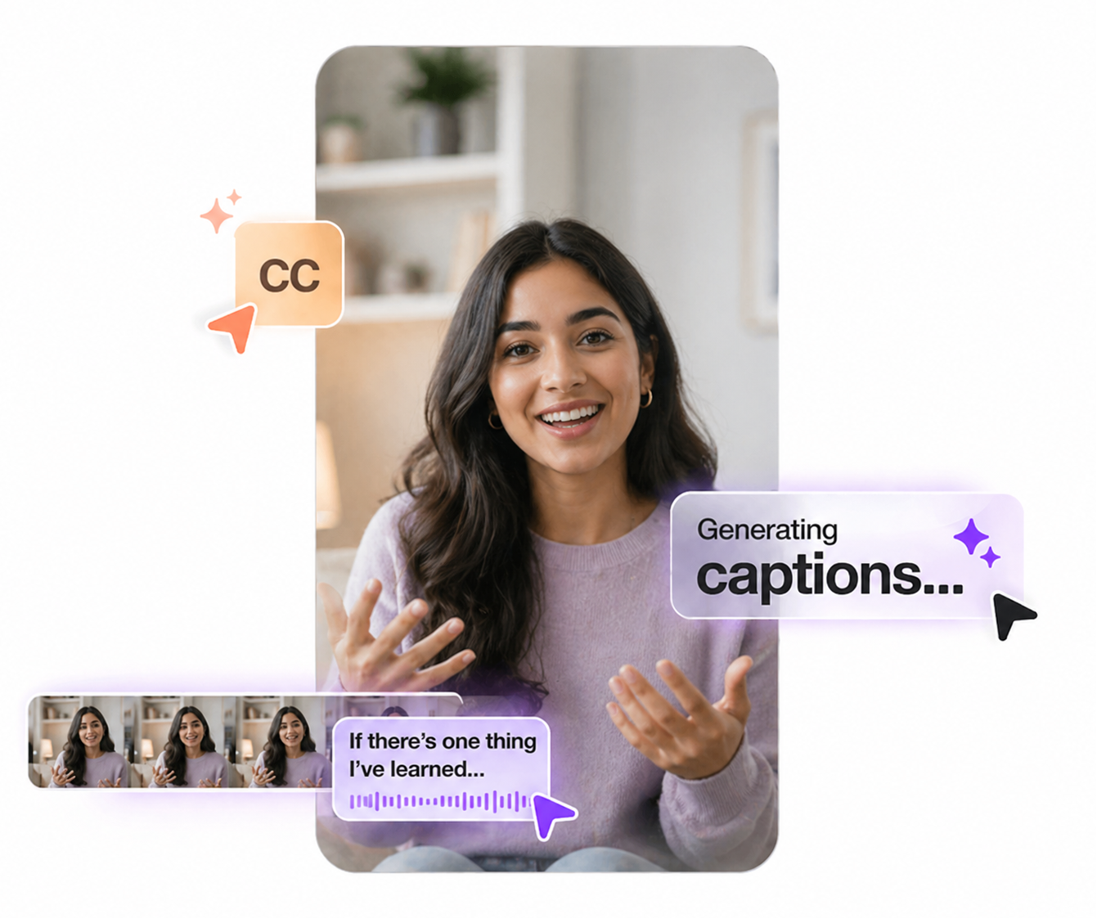
Qwint Caption generates broadcast-quality subtitles directly inside Adobe Premiere Pro powered by AI, styled your way, delivered in seconds.

✓ Stripe secure payments
✓ Standard Pro License
✓ 60 Minutes Included
🎥 Demo

See Qwint Caption in action

Watch how professional captions are generated in real-time inside Adobe Premiere Pro.

Play

Watch 2-minute demo

2:18
😩 The Problem

Traditional captioning is broken

Video editors spend hours on manual subtitling time that belongs in your creative workflow, not in tedious repetition.

⏱️

Hours of Manual Work

Manually timing and typing each subtitle in Premiere Pro takes 3–5× the length of the video itself.

🔄

Context Switching

Jumping between external tools, file exports, and re-imports kills creative flow and wastes time.

💸

Costly Per-Minute Fees

Third-party transcription services charge premium rates that make long projects prohibitively expensive.

AI captions interface inside Adobe Premiere Pro
⚡ The Solution

AI captions, right inside Premiere Pro

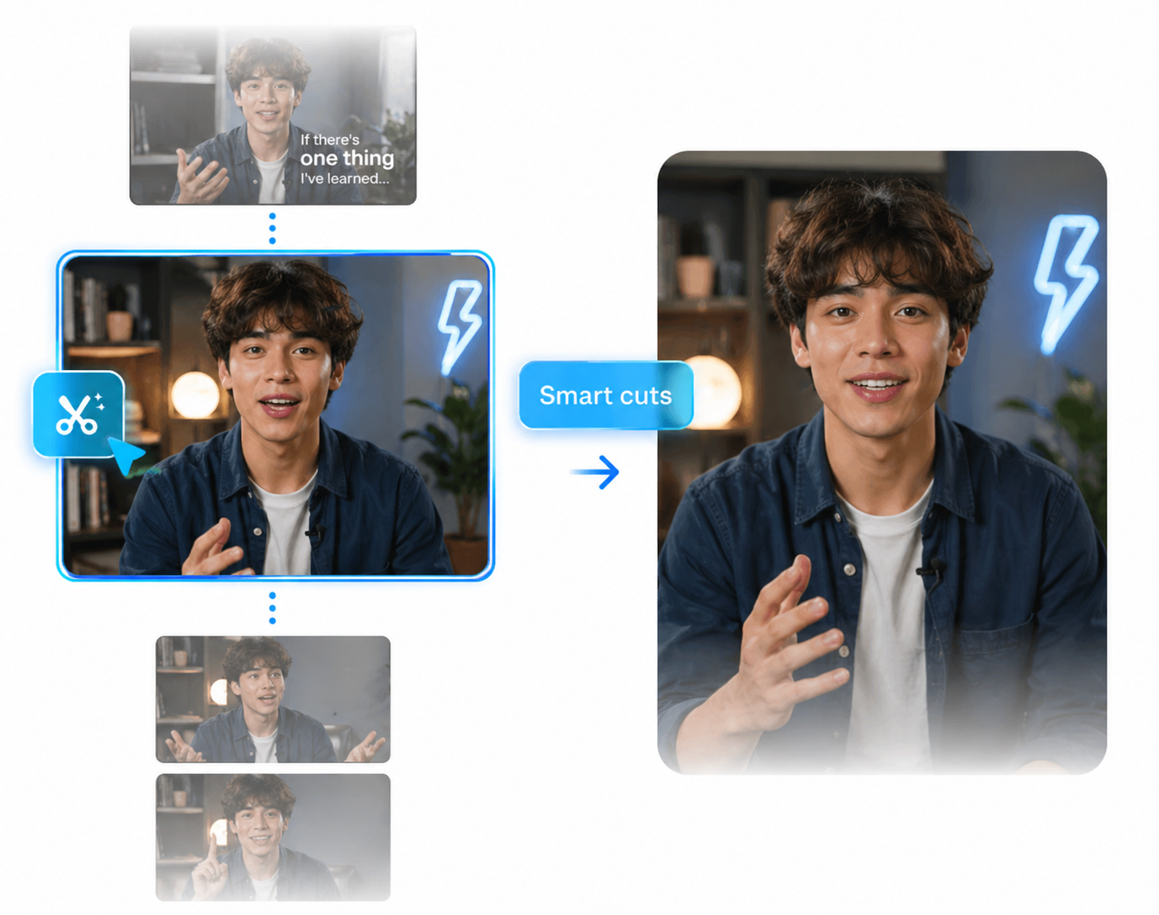
Qwint Caption integrates directly into your existing workflow. No tab switching, no exports, no re-imports. Just press a button and your subtitles appear on the timeline perfectly timed, professionally styled.

1

Install for Free

Download and install Qwint Caption for free. It adds directly to your Premiere Pro extension panel.

2

Click "Generate"

One click is all it takes. Our AI engine analyzes your audio and handles the rest in about a minute.

🔄 How It Works

From raw footage to captioned video in 4 steps

Qwint Caption integrates seamlessly with your existing Premiere Pro workflow no learning curve required.

1. Install for Free

Download and run the one-click installer. Qwint Caption appears in Premiere's Window → Extensions menu.

2. Get AI Credits

Choose a credit plan or top-up. Receive your activation key instantly via email to unlock transcription.

3. Click Generate

Skip the complex settings. Just click Generate and let our AI engine transcribe and sync everything in a minute.

4. Edit & Export

Review, style, and fine-tune your captions on the timeline. Export in any format for any platform.

💳 Pricing

Simple, honest pricing.
No surprises.

The plugin is free to install. Choose a plan to get AI credits and start captioning.

One-Time Credit Packs (No Subscription)

BEST ENTRY
249  + Tax

Starter Pack

The perfect way to get started. Credits never expire, but once you use all 60 minutes, the pack will be exhausted.

60 Minutes Credits
Credits never expire
One-time payment
Secured by Stripe

Instant credit delivery

Lite Pack

₹ 169 + Tax

30 minutes total

Creator Pack

₹ 399 + Tax

180 mins total (165 + 15 Bonus)

Studio Pack

₹ 499 + Tax

360 mins total (330 + 30 Bonus)

👥 Who It's For

Built for every type of video professional

Whether you create solo or manage a production team, Qwint Caption fits your workflow.

YouTube Creators

Speed up your publishing workflow. Captions = more watch time and better SEO.

Production Agencies

Handle multiple client videos efficiently. Consistent quality at scale.

Social Media Editors

Captions boost engagement on Instagram Reels, TikTok, and LinkedIn videos.

Course Creators

Make your courses accessible and comply with accessibility requirements effortlessly.

Production Houses

Streamline post-production pipelines. Reduce turnaround time on each project.

💻 System Requirements

Check compatibility

Qwint Caption is designed to run smoothly on all modern creative workstations.

Windows

Windows 10 or Windows 11 (64-bit)
Adobe Premiere Pro 2022 or later
Intel Core i5 / AMD Ryzen 5 or better
8 GB RAM minimum (16 GB recommended)
Active internet connection required
500 MB free disk space

macOS

macOS 11 Big Sur or later
Adobe Premiere Pro 2022 or later
Apple M1 / Intel Core i5 or better
8 GB RAM minimum (16 GB recommended)
Active internet connection required
500 MB free disk space
❓ FAQ

Frequently asked questions

Everything you need to know before purchasing.

Credits represent minutes of audio transcription (AI token usage). Your base license includes 60 minutes of credits.
Subscriptions are final and cannot be cancelled at any time.
Qwint Caption supports Adobe Premiere Pro 2022 (v22.0) and later on both Windows and macOS. If you're on an older version, we recommend updating Premiere Pro to the current release.
Qwint Caption uses OpenAI Whisper, which achieves 95–98%+ accuracy on clear audio in supported languages. Accuracy may vary with heavy accents, background noise, or highly technical terminology. All captions are editable after generation.
Yes, you can use the plugin on multiple computers, but you must have AI credits in your account to use it.
It supports Adobe Premiere Pro native captions.
We offer a 30-day money-back guarantee if Qwint Caption doesn't work as described. Contact our support team and we'll process your refund no questions asked. See our full Refund Policy.
Yes. All payments are processed by Stripe a PCI DSS Level 1 certified payment processor. We never store your card details on our servers. Your payment is fully encrypted and protected.

Start generating captions
in minutes not hours.

Join thousands of video creators who have already made the switch to AI-powered captioning inside Premiere Pro.

Watch Demo First

✓ Stripe secure checkout  ·  ✓ Instant delivery